


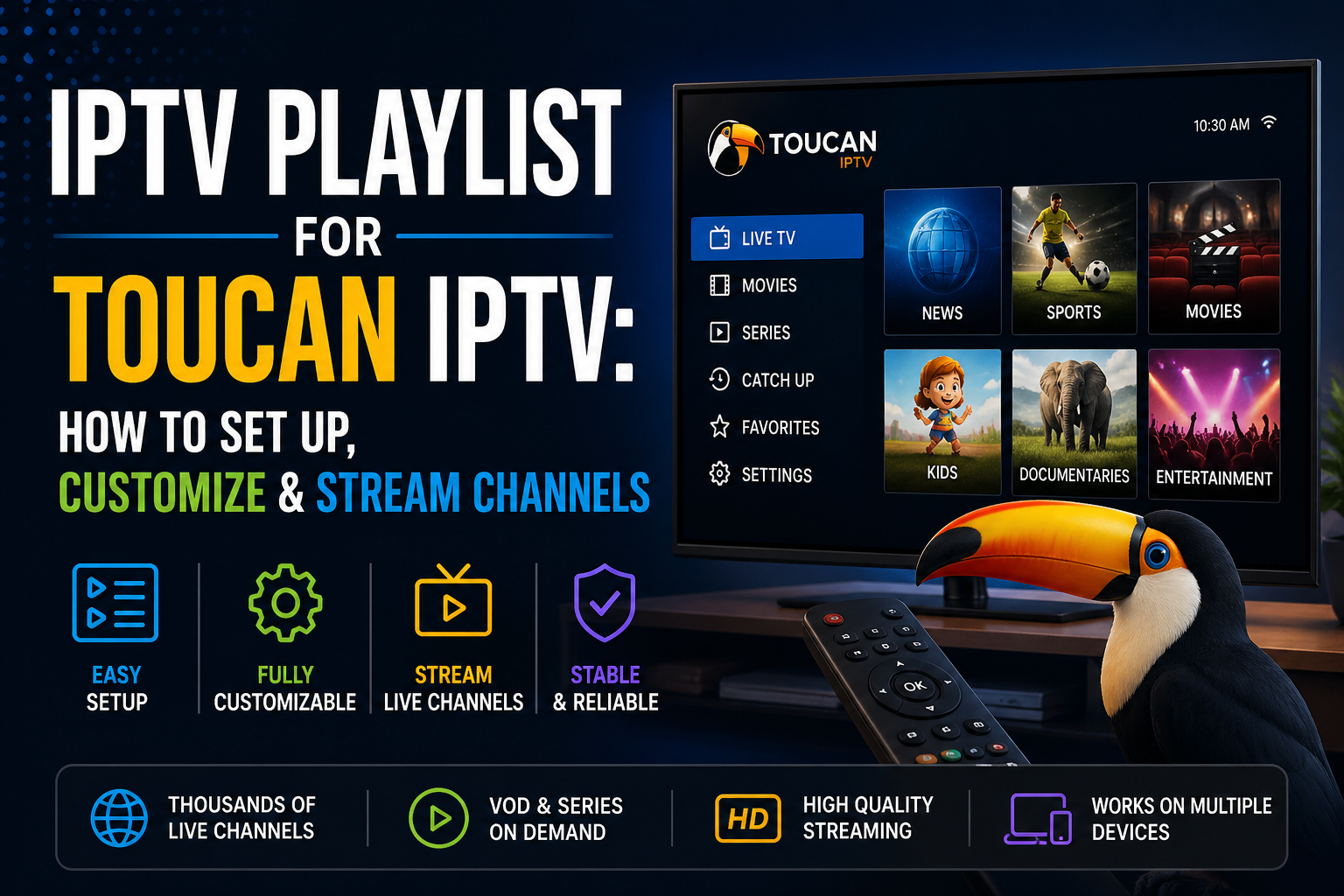
IPTV is reaching millions of households and is changing the way consumers stream content. It provides multiple benefits and features, with efficiency, simplicity, and power. Unlike traditional streaming methods, it only requires an IPTV playlist to work and perform well. However, many users don’t know how to set up or customize playlists for the best IPTV experience.
IPTV playlists are generally a file or URL that contains all of the live channels, movies, seasons, and more. It provides far more customizability, better control, and an easier user experience. It is one of the reasons internet-based streaming is becoming the need of every individual.
Toucan IPTV helps you explore what playlists are, how to set them up, and customize them for seamless streaming.
An Internet Protocol Television Playlist is usually a text file or a URL that has all the channels, movies, seasons, and on-demand content information on it. It works as the warehouse for storing and streaming all of the content. Users can access the media options via an internet connection and an IPTV player.
The playlists are essential for seamless streaming as it makes consuming content easier and faster. Users can get new and fresh media options every day by refreshing the links. Furthermore, it allows access to content on multiple smart devices that support IPTV playlists via the apps.
Older traditional streaming methods, such as cable TV or satellites only come with a handful of channels. Users have no other option than to enjoy the available options. On the other hand, Toucan IPTV uses IPTV playlists for the premium IPTV experience. Streamers get easier navigation by categorization of content into favorites, regions, languages, and other options.
Moreover, it provides better control over IPTV channels, allowing users to add or remove specific ones. All of this makes the streaming journey far more flexible with pa ersonalized viewing experience.
Consumers receive the login credentials as soon as they make the payment. It is generally received via email. Streamers can then add the link to IPTV players. All of the leading players have support for the links, which allows seamless integration in less than five minutes. In addition, the platform keeps updating the channels every day. It allows every individual to enjoy new and fresh content every day.
IPTV playlists make setup far easier and more efficient. All it takes is five minutes to enter the world of entertainment with Toucan IPTV.
Toucan IPTV lets users take control of the streaming journey with customizations. It enhances the premium IPTV experience for all individuals.
Every user wants to enjoy content in the highest possible resolution without any interruptions. All of the content must be immersive and seamlessly available. Toucan IPTV uses both the leading technology and hardware to support it.
Toucan IPTV wants every consumer to have the best streaming experience. And individuals have to follow some tips and tricks. It allows them to enhance the already extreme IPTV experience further.
Firstly, always use a high-speed internet connection for a smooth experience. IPTV supports LAN, mobile connections, and WiFi. However, the best form of connection is LAN Ethernet, as it prevents network congestion. Secondly, try to close the background apps before streaming. It allows the device to focus on internet-based technology truly. Lastly, try using the best VPN for IPTV. Not only does it unlock more content options, but it also makes the service fast and secure.
Out of all the available options, Toucan IPTV is the leading choice for all smart users. It is becoming the choice of thousands of consumers for all the right reasons. Users already have a large library of content, but it is still updated regularly. It helps streamers enjoy the latest content without the need for switching apps.
Accordingly, it has simple and easy setups for all the smart devices. It ensures every individual can consume content with power and confidence. The platform provides the same great streaming setups everywhere, with no buffering or interruptions.
It is a file or a link that provides access to thousands of available content options.
You can add it through an IPTV player by entering the login credentials sent via email
Yes, one can organize, add, remove, create favorites, or more with a playlist modifier
HD streaming requires 10Mbps of speed, while FHD, or 4K IPTV requires 25Mbps of speeds
Buffering may occur due to slow internet connections, old devices, or wrong settings.
IPTV is a simple yet powerful streaming technology. All it requires is a device, an internet connection, and an IPTV playlist. Users need to have a stabil IPTV provider for the playlists. And one such provider is Toucan IPTV.
The platform provides a wide variety of content options in optimal quality, and without any interruptions. It provides access to multiple smart devices, and that too at affordable pricing plans. Moreso, the complete customization of playlists lets every individual be in control of their streaming journey.
Sign up with Toucan IPTV, personalize the playlist, and enter the world of seamless streaming.